
Hardware & devices
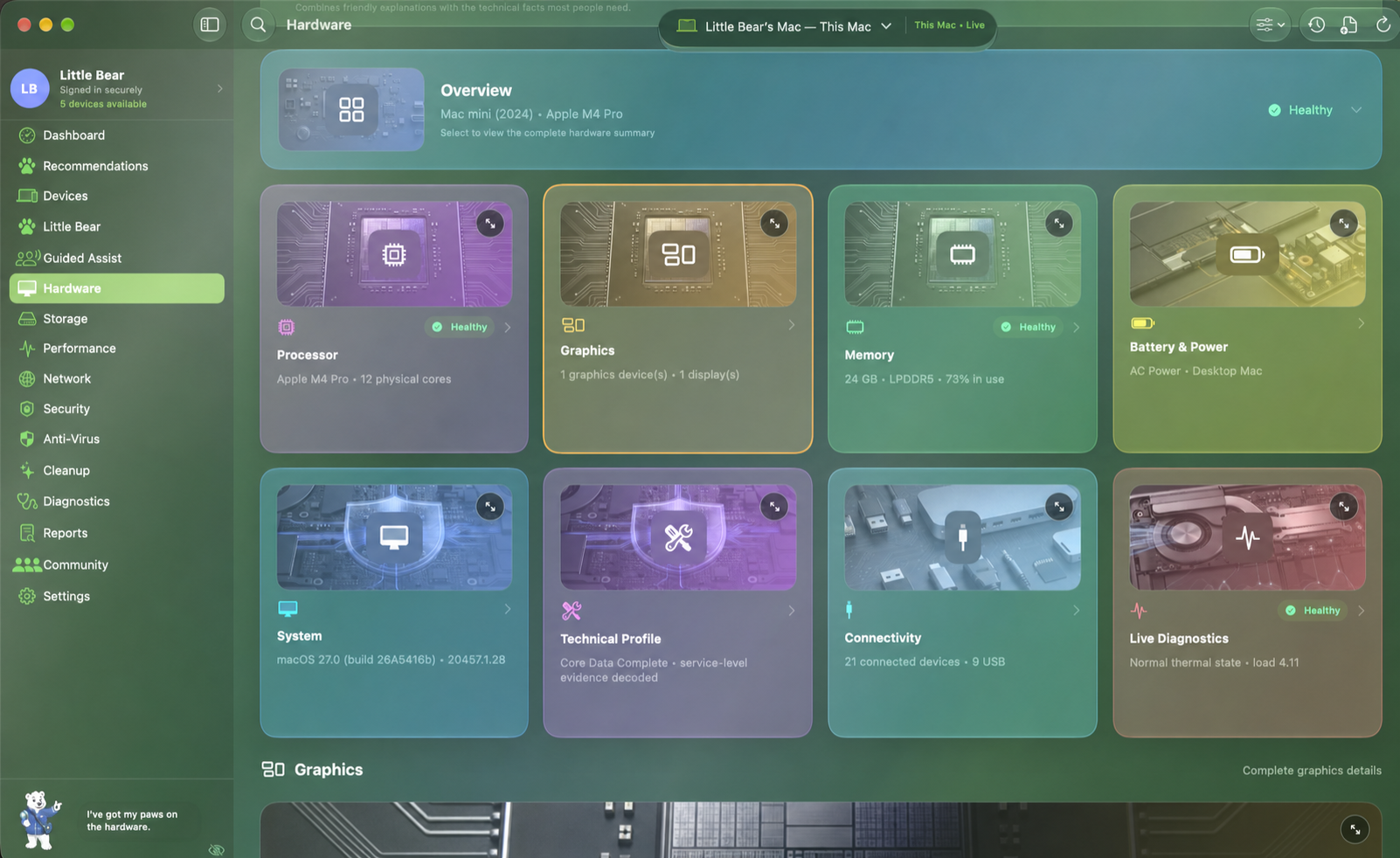
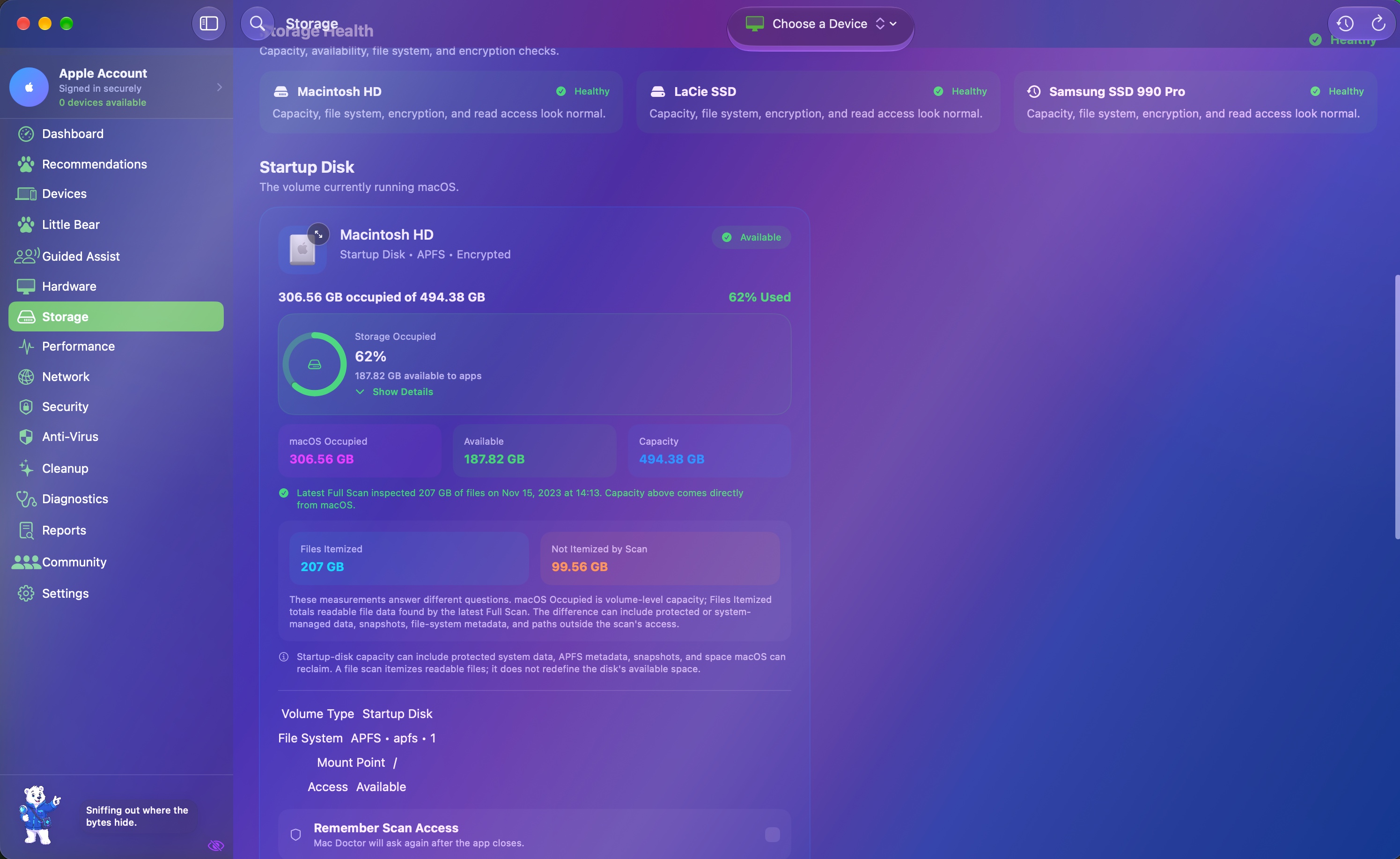
See model, processor, memory, graphics, power, displays, ports, and connected accessories in one approachable inventory.
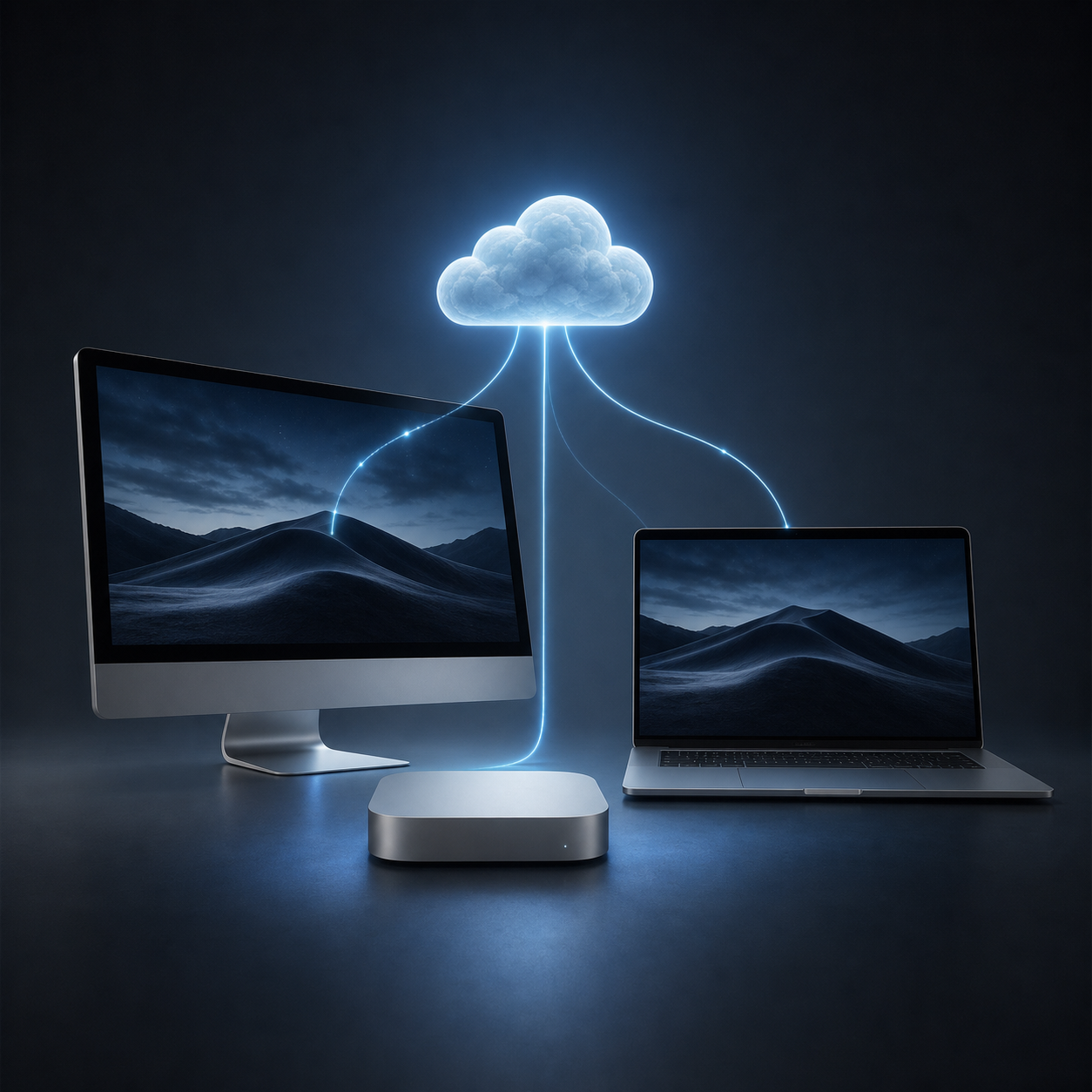
Apple device care, brought together
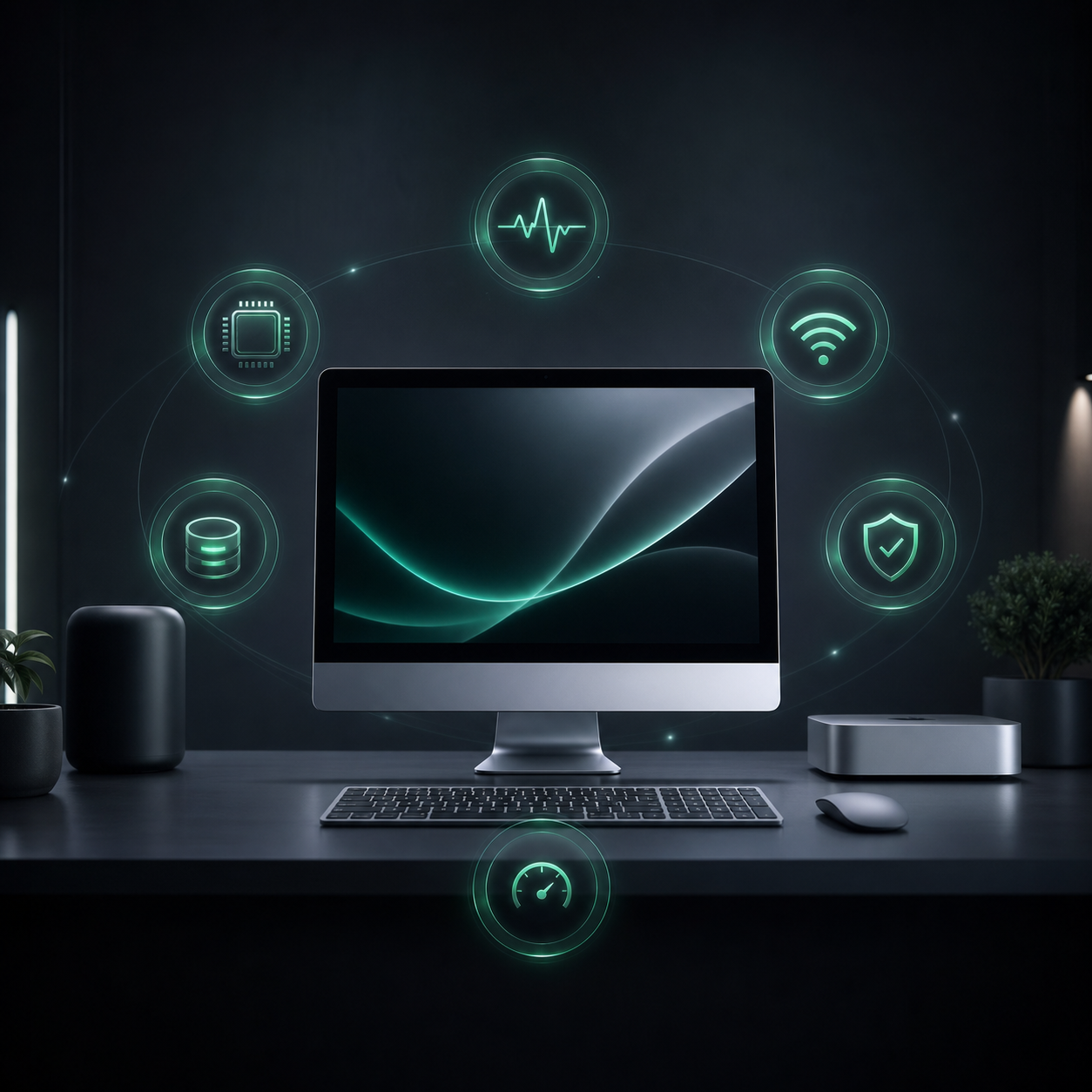
Mac Doctor turns hardware, storage, performance, network, security, and connected-device data into guidance that makes sense—without hiding the technical details when you need them.
One health view
Mac · iPhone · iPadA clearer care experience
Mac Doctor is an independent care and diagnostics app in private preview. It brings scattered system information into one visual experience and explains what each reading means.

See model, processor, memory, graphics, power, displays, ports, and connected accessories in one approachable inventory.

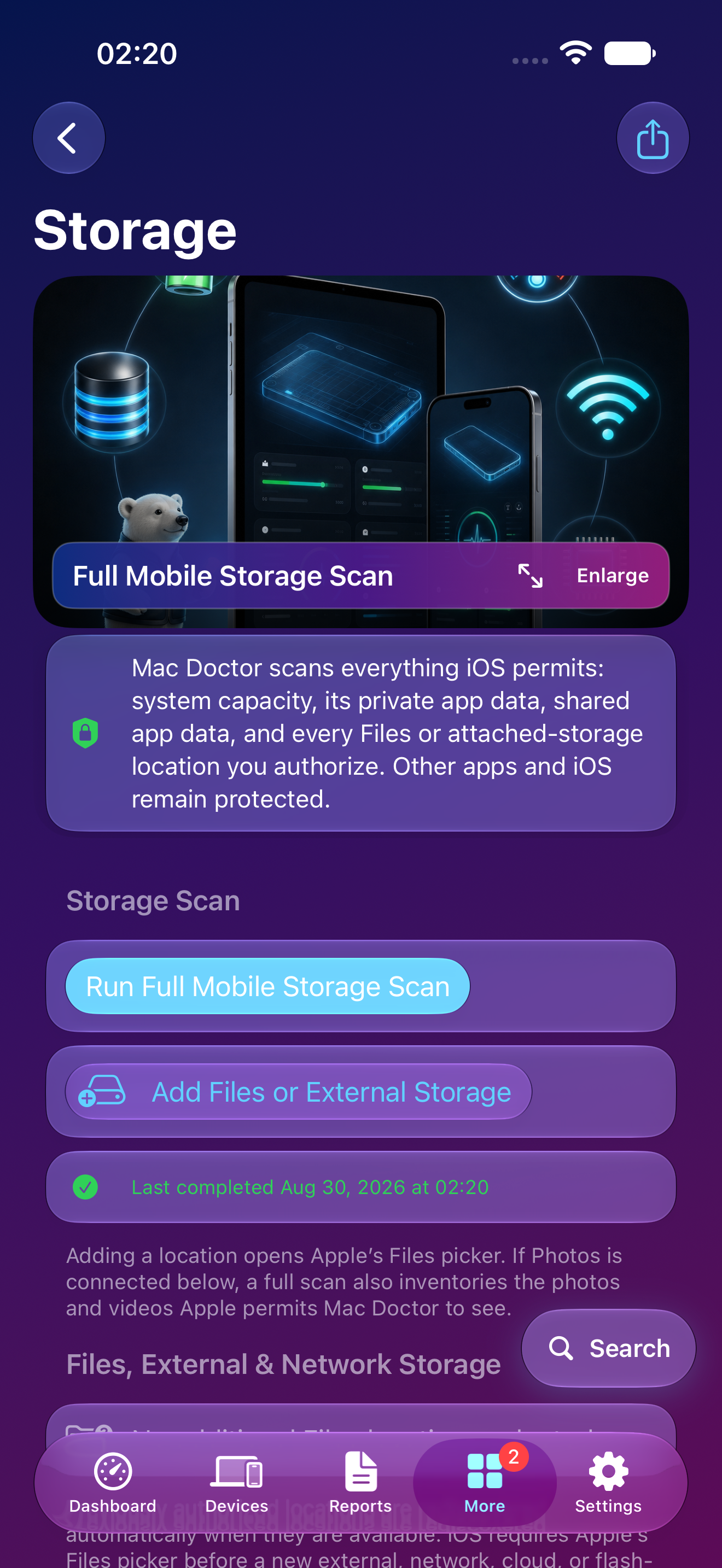
Understand what is truly stored on each volume, explore large categories, and find safer opportunities to clean up or offload files.

Follow live system activity, memory pressure, connectivity, interface details, and network checks with useful context around each reading.

Review built-in macOS protections, security posture, scan results, and—on supported Mac builds—real-time endpoint protection after explicit approval.

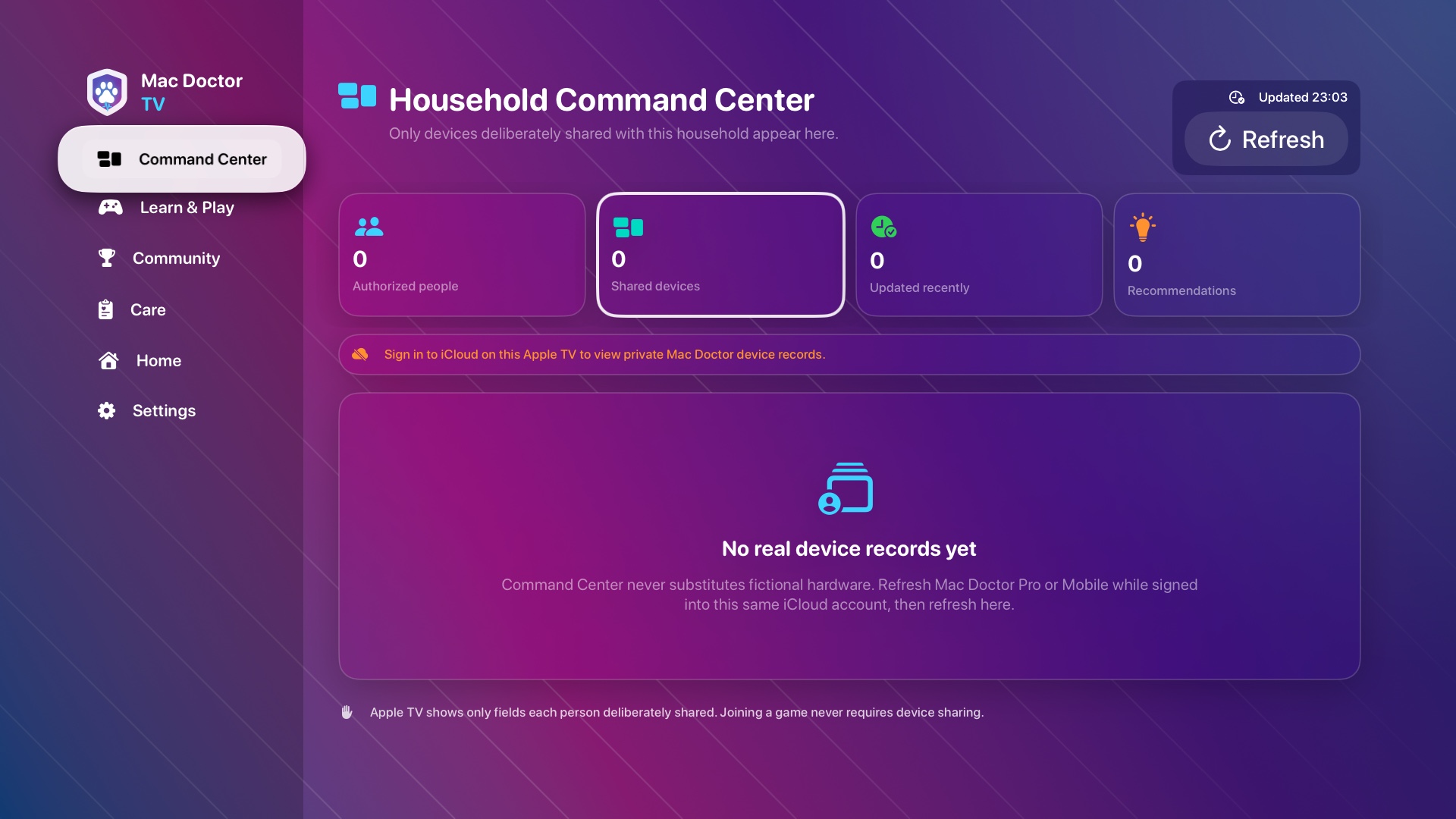
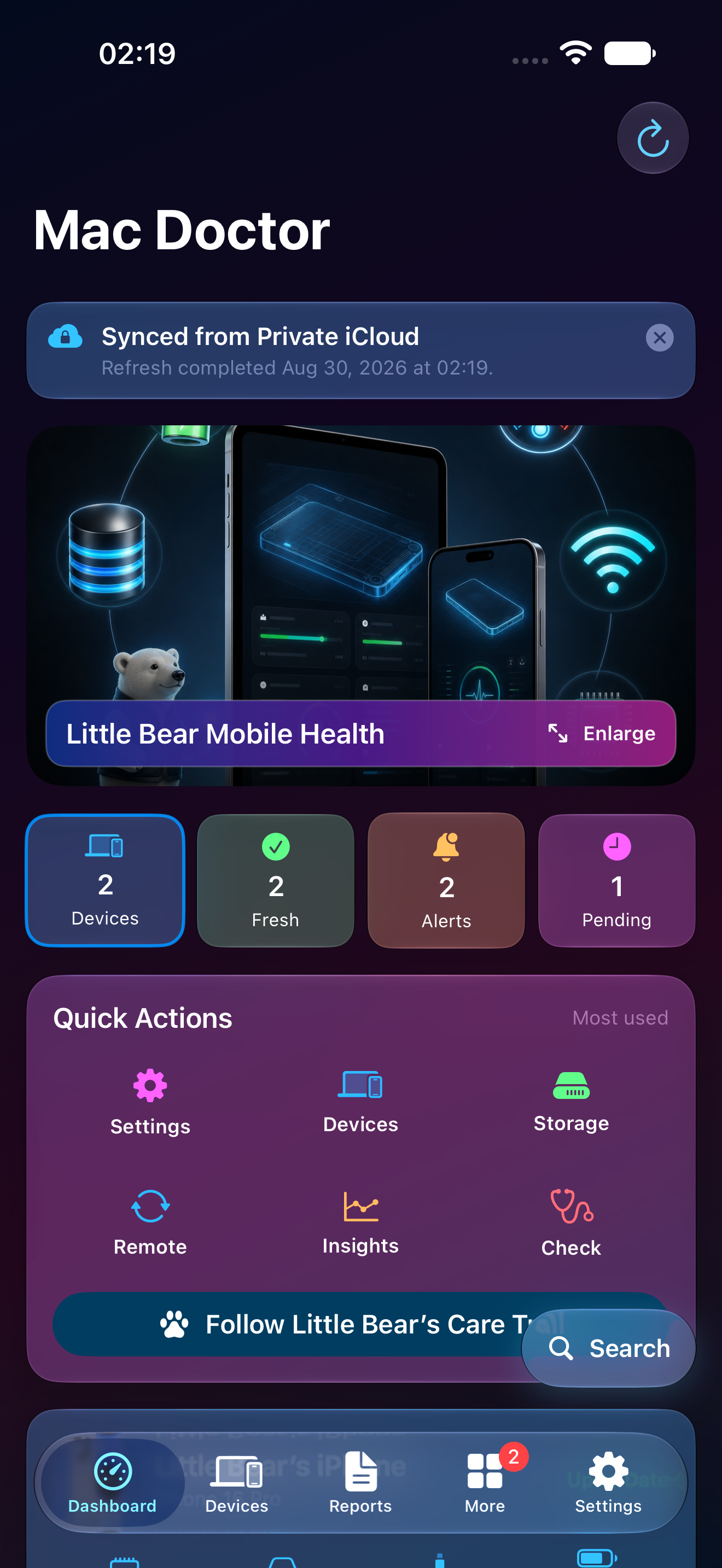
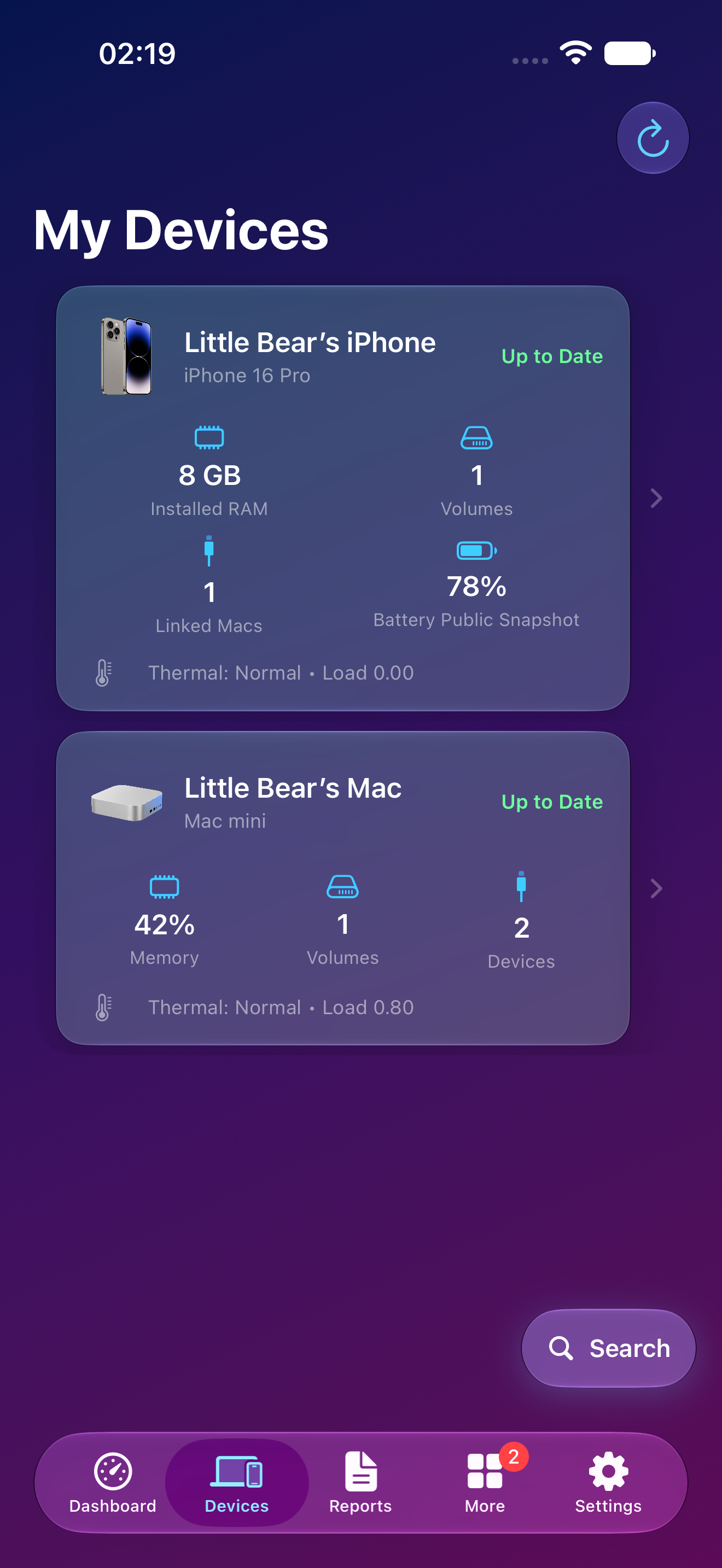
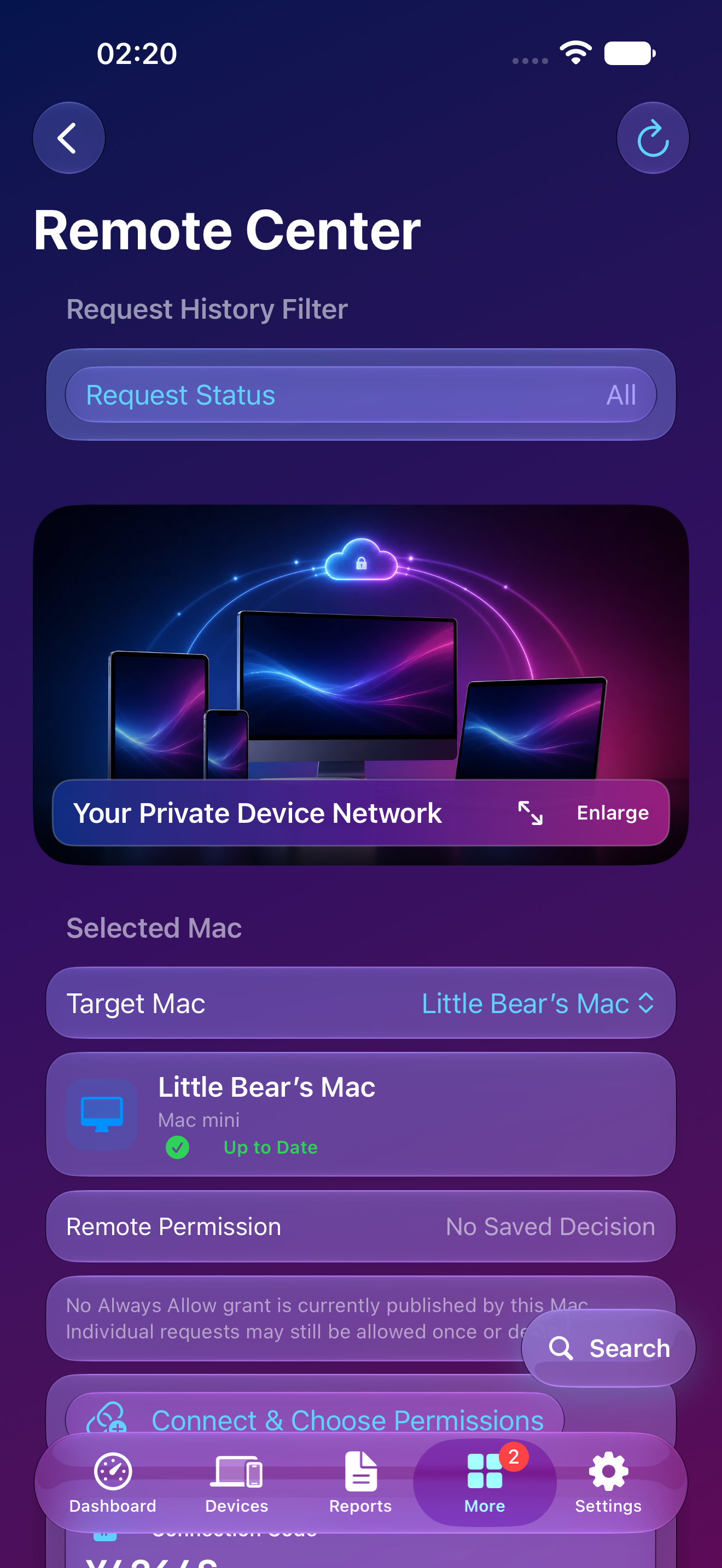
Keep trusted Mac, iPhone, and iPad health summaries together. Remote actions stay visible and follow Allow Once, Always Allow, or Deny.

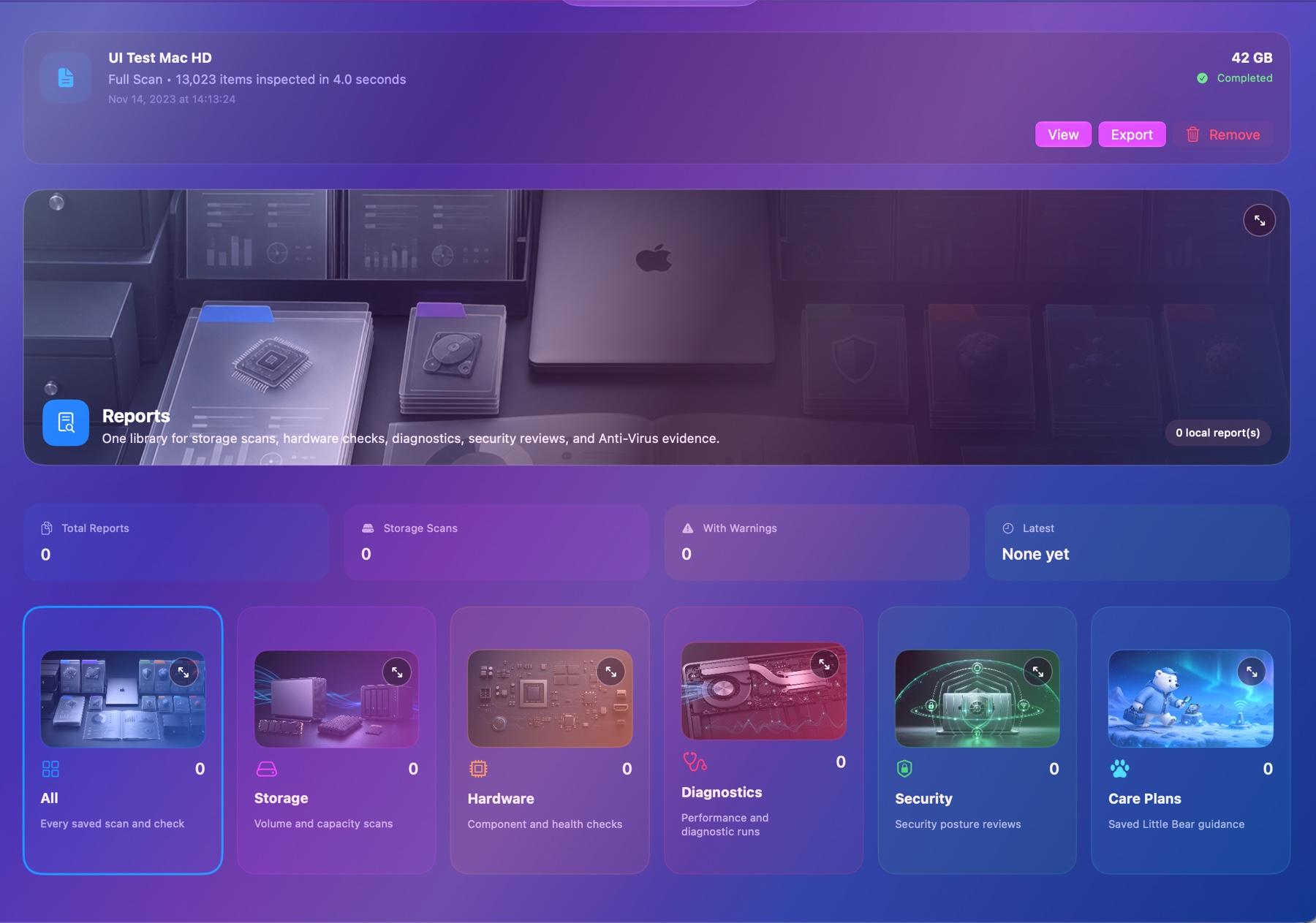
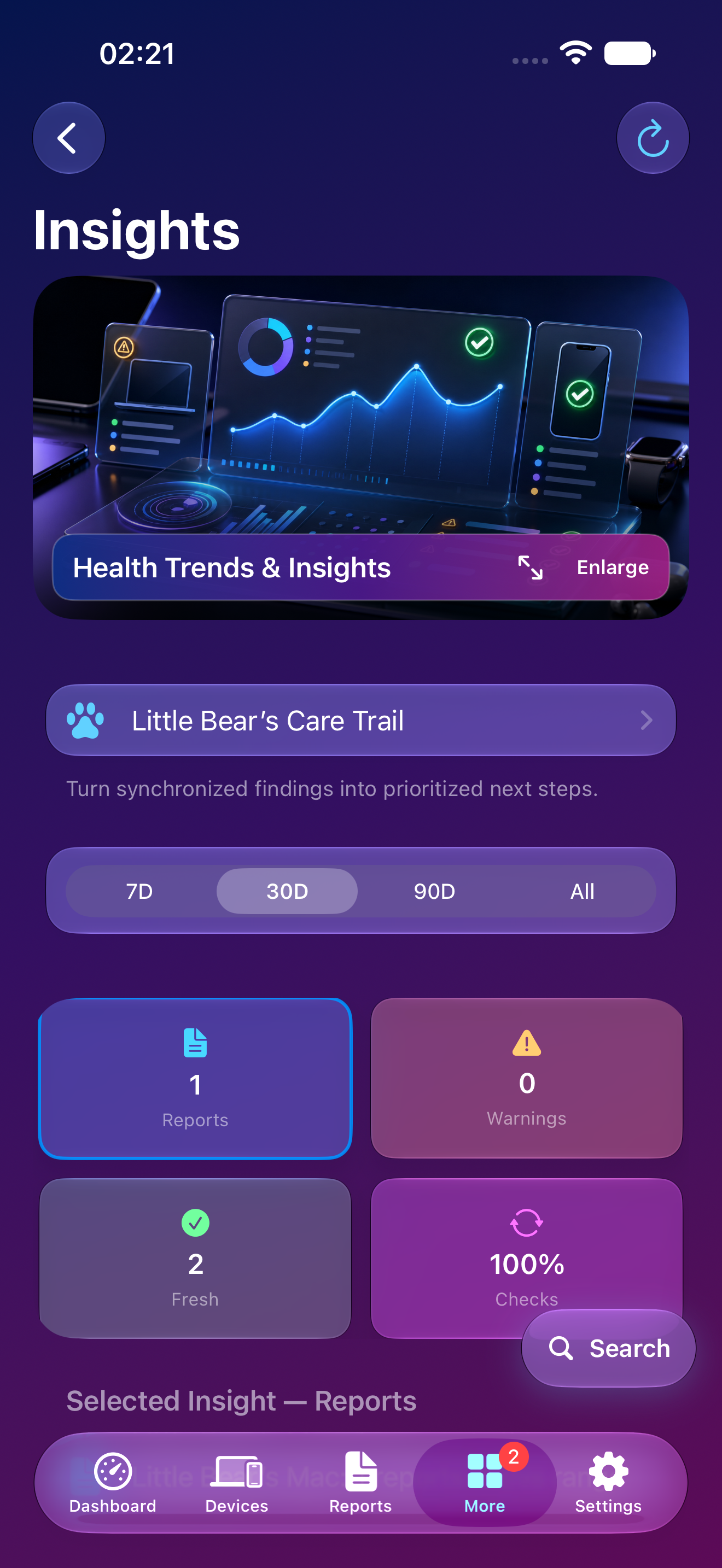
Keep readable scan history in the app and export focused evidence when a technician, friend, or family member needs more detail.
For everyday owners
Mac Doctor translates technical readings into plain-language explanations, visual ranges, and clear next steps. Nothing is labeled “bad” without context.
For deeper troubleshooting
Inspect identifiers, capacities, interfaces, scan evidence, timestamps, and reports without hunting through several utilities.
Mobile companion preview
The mobile companion is being developed to keep trusted device summaries, reports, alerts, and owner-approved remote requests close at hand.


One familiar experience
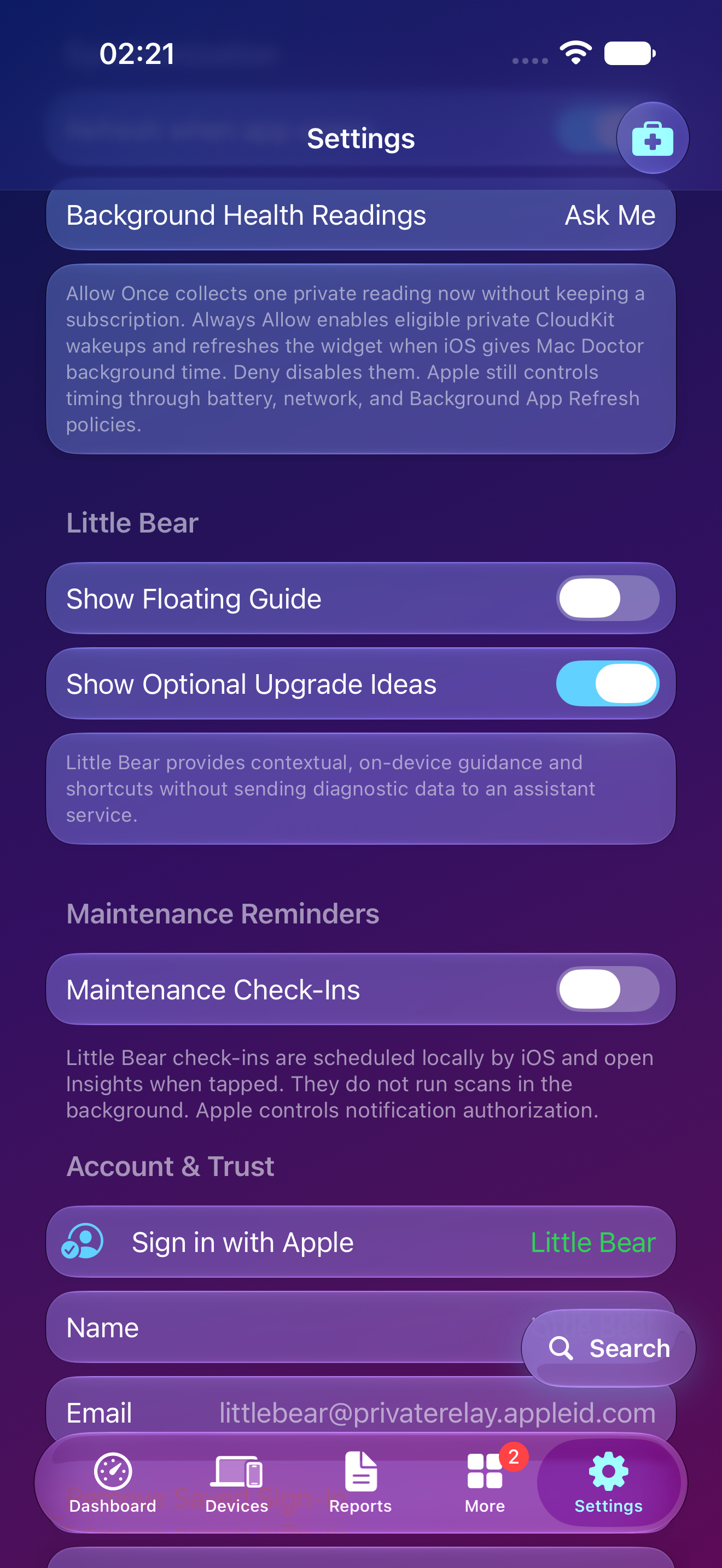
Mac and mobile use the same visual language, readable status colors, and Little Bear guidance so switching devices never feels like learning a new app.


Meet Little Bear
Little Bear helps surface explanations, progress, and recommendations without getting in the way. The goal is a calm helper—not another stream of mysterious warnings.
Visit the support deskBuilt around informed consent
Mac Doctor only reports information the operating system makes available. Permissions remain visible, remote requests stay owner-controlled, and unavailable hardware readings are never fabricated.
Features explain why access is useful before macOS or iOS asks for it.
Unavailable values remain unavailable instead of becoming guesses presented as facts.
Apple authentication and visible session controls remain in charge of screen sharing.
Safety findings, privacy controls, and access to current local data are not hidden behind a subscription.
Currently in private preview
The Mac, iPhone, and iPad experiences are being refined together. Public download details will appear here when testing access is ready.